Background removal is only the first step.
A passport photo is not just a cutout on white. We remove the background, crop for the selected document, and show you whether lighting, expression, or color corrections are included in your Premium Photo.
Background removal
How the background is removed
We separate the person from the scene, keep the hair edge natural, place the result on a plain white field, and crop to the required passport-photo frame.
- 1Find the subjectFace and body landmarks locate the head, shoulders, and safe crop area before any background is changed.
- 2Cut the backgroundMatting models separate hair, skin, and clothing from the room behind the person.
- 3Place the fixed photoThe result is centered on a clean background with the head filling the 2x2-style box correctly.
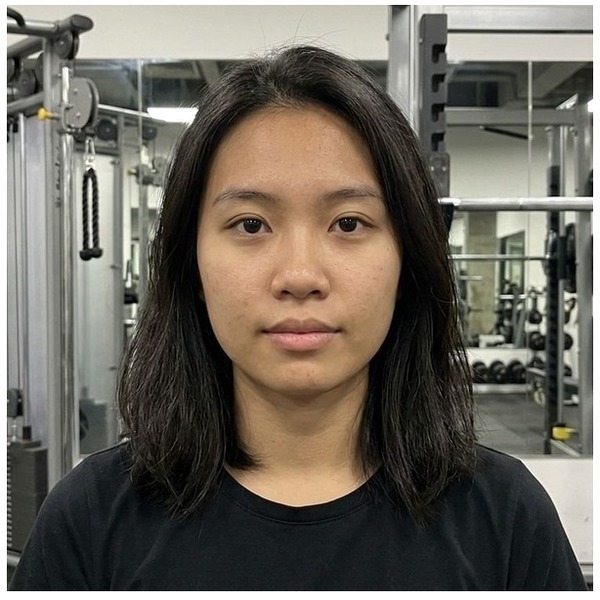
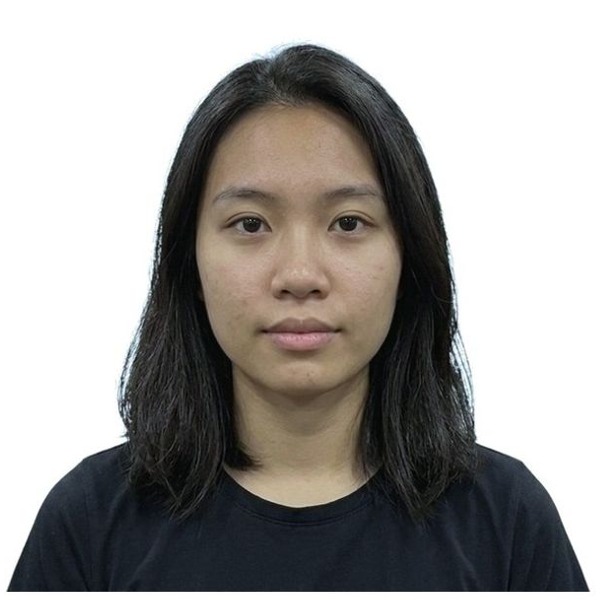

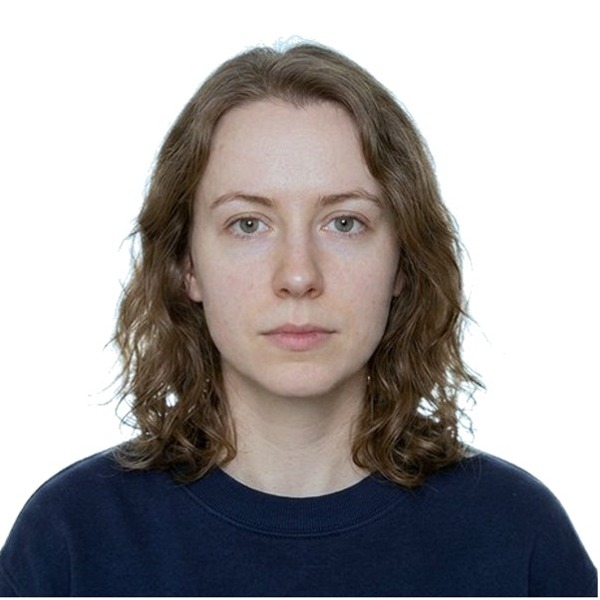
We balance the lighting, keep the face natural, and return a clean fixed 2x2-style photo.


We close the smile to a neutral expression and return a clean fixed 2x2-style photo.


We neutralize the color, keep the skin tone natural, and return a clean fixed 2x2-style photo.
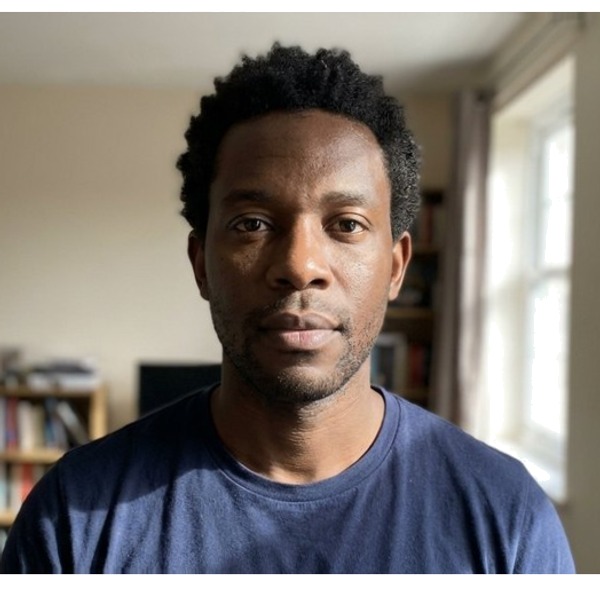
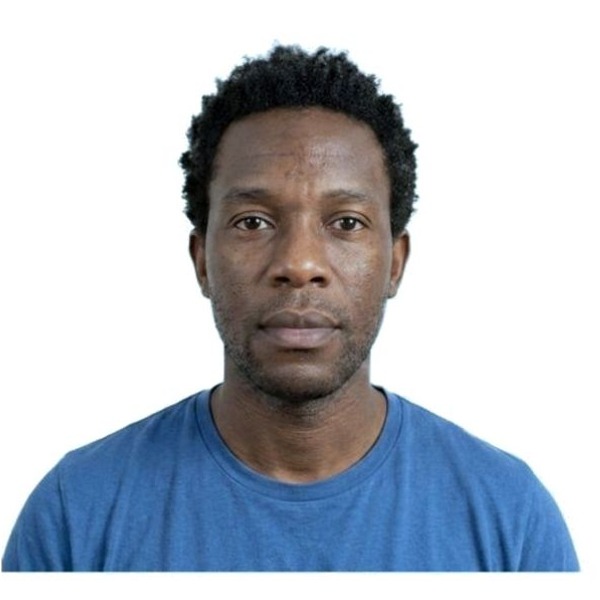
We even out the lighting, keep the natural skin tone, and return a clean fixed 2x2-style photo.
Why background-only tools fail
Removing the wall does not fix the photograph.
Most home passport photos fail for more than the background. A window behind the person, warm kitchen lighting, or an open smile can still get rejected after a background-only service makes the wall white.
Backlight stays
A cutout can leave the face dim or uneven when the light is behind the person.
Color cast stays
Warm indoor bulbs can make skin and the white background look wrong.
Expression stays
Background removal cannot close an open smile or make the expression neutral.
How we pick the model
We run an open bake-off across general-purpose matting and segmentation models — including RVM, MODNet, BiRefNet, and SAM2 — measuring edge quality on hair, glasses, and skin tones from light to dark. No single model wins everywhere, so we test on a deliberately diverse set of faces and ship the best all-round fit. The result is a clean white background with the wisps of hair intact, not a cardboard cutout.
Models evaluated include open, non-proprietary options such as RVM, MODNet, BiRefNet, and SAM2.
Tested across people, not just photos
A cutout that looks great on one face can fail badly on another. We intentionally evaluate across gender, age, skin tone, and hair type — bald, short, curly, coily, and long — so the background removal you get works for you, whoever you are.
See it on your own photo
Upload any photo and we will auto-crop, replace the background, and validate it against government specs — every check free.
These examples are photorealistic generated assets. They show the pipeline behavior without using stock-photo likenesses or real customer photos.