Renewing or applying for a US passport in 2026? The single most common reason applications stall is a non-compliant photo — and most of those failures come down to a handful of measurable rules. The good news: the requirements haven't changed for 2026, they're stable and precise, and you can verify every one of them before you submit. This guide breaks down each rule exactly as the U.S. Department of State enforces it, and exactly as Snapassport checks it automatically.
Everything below is grounded in the official U.S. Department of State — Passport Photos specification. For a full interactive checklist, see our US passport photo guide.
What size does a US passport photo need to be?
A US passport photo must be 2 x 2 inches (51 x 51 mm), square. For a printed photo that's the finished dimension; for a digital upload the image must be square and at least 600 x 600 pixels (and no larger than 1200 x 1200 pixels), saved as a JPEG. The State Department recommends a minimum of 600 pixels per side at 300 DPI so biometric detail survives. A photo that isn't square — say, a 35×45 mm "visa" crop pasted in — is rejected before a human even looks at it.
How big does my head need to be in the photo?
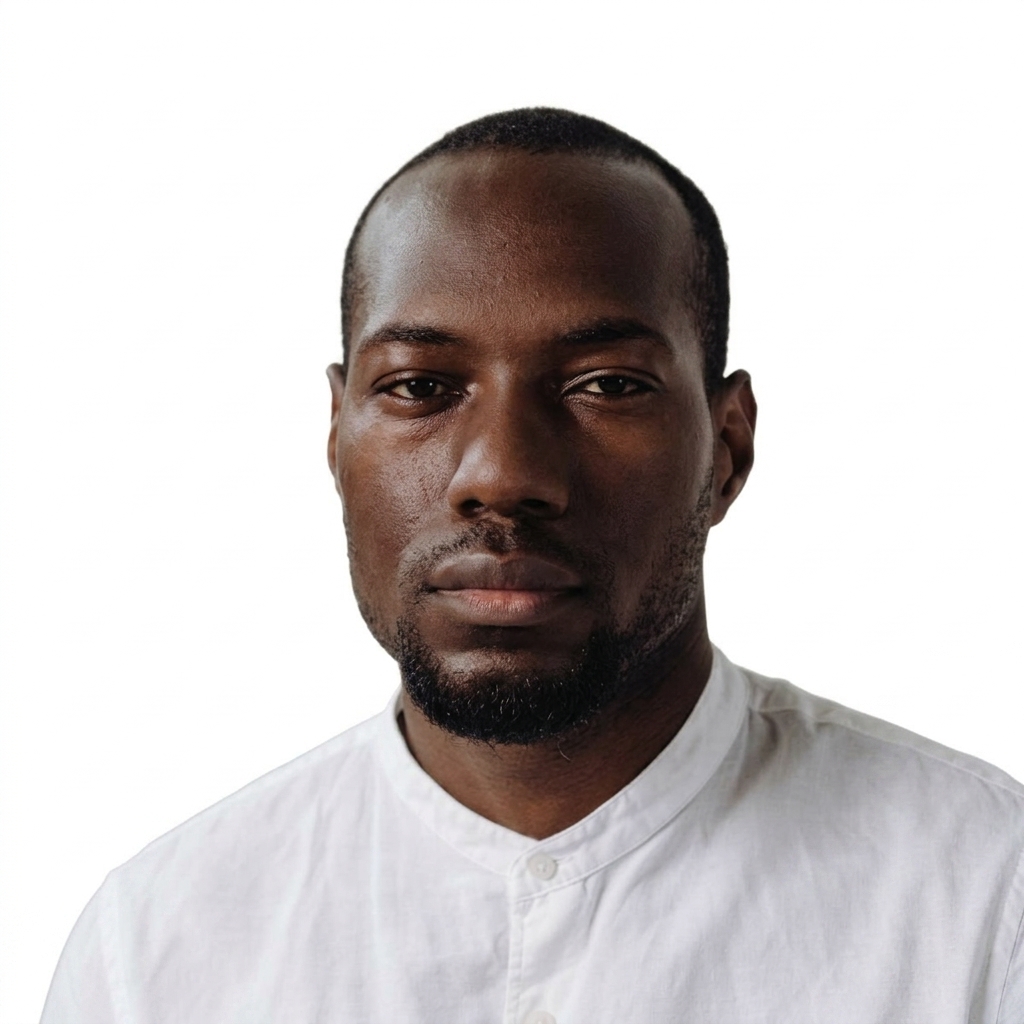
Your head must measure between 1 inch and 1⅜ inches (25–35 mm) from the bottom of the chin to the top of the head — roughly 50% to 69% of the total image height. This is the rule that trips up the most people, because it's invisible to the naked eye. If whoever took the photo stood too close, your head fills the frame and fails; too far away, and your head is too small for the system to place the chin, nose bridge, and eye landmarks. Both fail silently. The eyes should sit between roughly 1⅛ and 1⅜ inches from the bottom of the photo.
What background color is required?
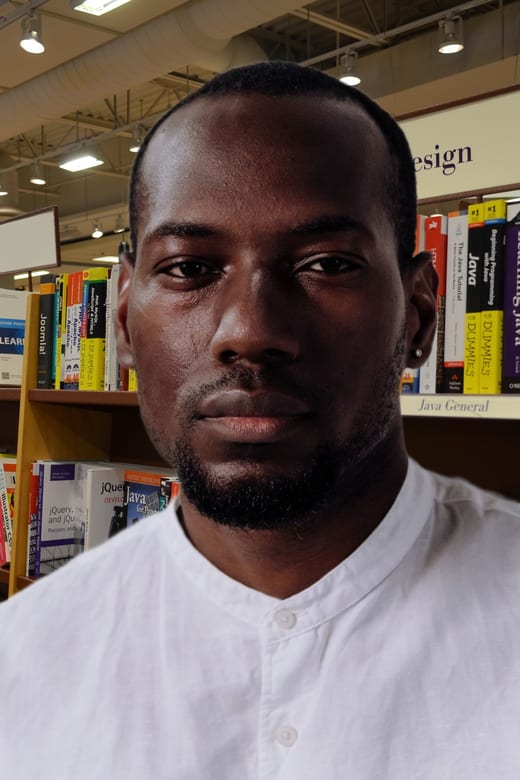
The background must be plain white or off-white, with no shadows, textures, or objects behind you. A bedroom wall, a doorway, a patterned curtain, or a shadow cast by side lighting are all rejection reasons. This is one of the most frequent failures and one of the easiest to miss in a hurry — the photo looks "fine" to you, but the backdrop isn't uniform enough.
Can I wear glasses or smile?
No glasses — eyeglasses have been prohibited in US passport photos since November 1, 2016, except in rare cases with a signed medical statement. Glare, tinted lenses, or frames covering the eyes are an automatic fail, so the safest move is simply to take them off. As for expression, the State Department now accepts either a neutral expression or a natural smile, but your mouth should be closed and both eyes open and clearly visible. No squinting, no exaggerated grin, no hair across the eyes.
What else gets a photo rejected?
Beyond size and background, the most common rejections are: shadows on the face or behind the head, photos older than 6 months, uneven lighting or a color cast, hats or head coverings (allowed only for religious or medical reasons with documentation), and digitally altered or filtered images. Your photo must be taken within the last six months and reflect your current appearance. Even lighting matters — an underexposed or color-shifted photo can fail color and brightness checks even when the framing is perfect.
How do I check my photo before submitting?
Verify the measurable rules — square 2×2 framing, 1"–1⅜" head height, white background, no glasses, neutral or natural expression, recent date — before you pay the application fee. That's exactly what Snapassport automates: upload any photo and it measures head height and eye position against the official spec, checks the background and lighting, and flags glasses or expression problems instantly — and can fix a non-compliant background or framing for you. It's far cheaper than a rejected application and a second trip. You can review the full rule set anytime in our US passport photo guide.
The requirements are strict, but they're knowable. Get the head height and background right and you've cleared the two hurdles that reject most photos.