Getting the photo wrong is one of the most common reasons an India e-Visa application stalls. Unlike most countries, India's electronic visa does not use a millimeter print size like 35×45 mm — it asks for a square digital image with specific file rules. This guide breaks down the exact requirements from the official portal, why photos get bounced, and how to fix a near-miss shot in seconds.
Want a quick yes/no on your current photo? Snapassport checks it against the India e-Visa spec automatically. You can also read the full India visa photo guide for the field-by-field breakdown.
What are the exact India e-Visa photo dimensions?
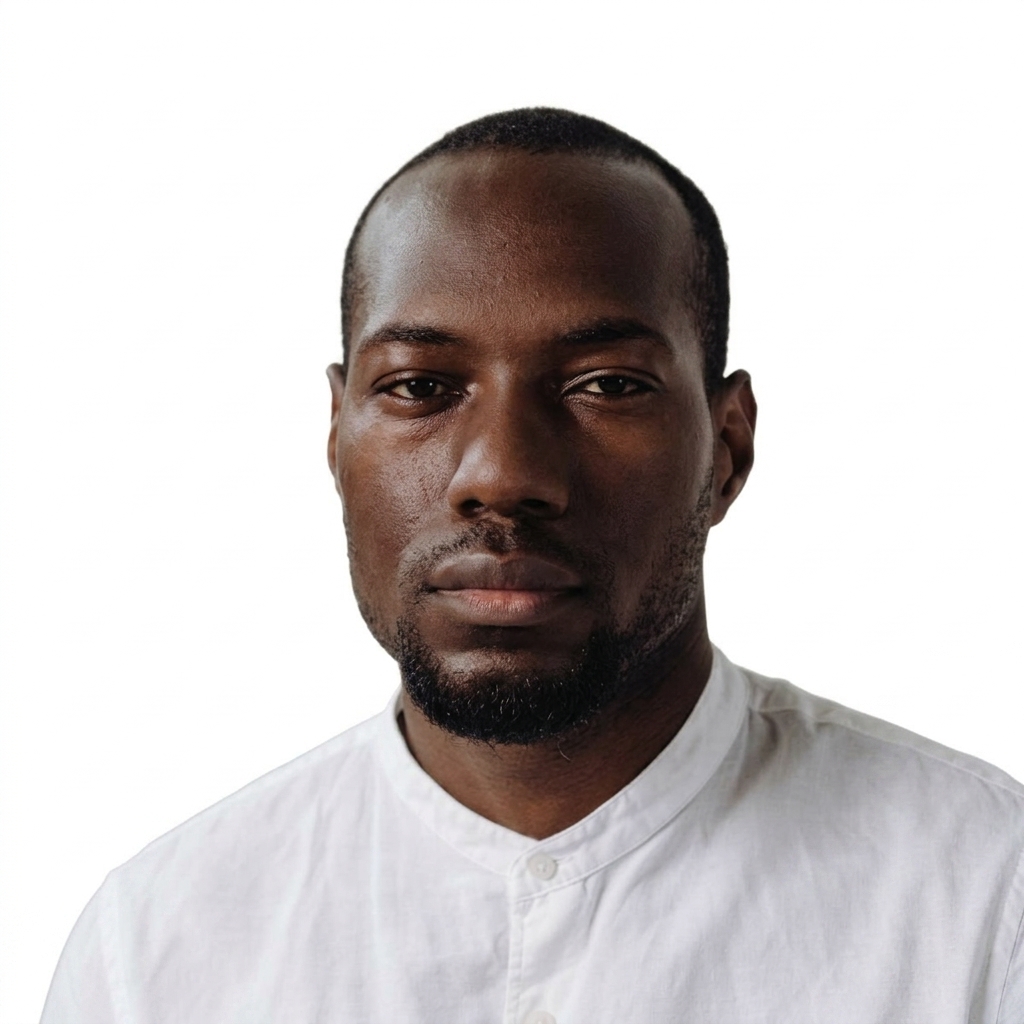
The India e-Visa photo must be square — the height and width must be equal. There is no millimeter print size; it is a digital upload. Per the India e-Visa Photo Specifications published by the Bureau of Immigration (MHA), the file must be a JPEG between 10 KB and 300 KB. The head should be centered and the full head shown — from the top of the hair to the bottom of the chin — with the head height measuring roughly 1 inch to 1‑3/8 inches (25 mm to 35 mm) within the frame.
Because the image is square, the easiest way to get it right is to start with a straight-on, well-lit photo and crop it to a 1:1 ratio with your face centered, then export as JPEG and confirm the file lands inside the 10–300 KB window.
What background and lighting does India require?
A plain light-colored or white background with no shadows on the face or behind the head. The official instructions are explicit: the photo must be full face, front view, with eyes open, and there must be no shadows on the face or on the background. Borders are not allowed.
A busy or colored background is one of the most frequent rejection triggers. Here's a typical before/after — a cluttered room replaced with the compliant plain backdrop the e-Visa portal expects:

If your only good photo was taken against a wall poster or curtain, you don't need to reshoot — the background can be replaced cleanly as long as the lighting on your face is even.
Why do India e-Visa photos get rejected?
Most rejections come down to a handful of fixable issues: a non-square crop, a file size outside 10 KB–300 KB, a wrong file format (it must be JPEG), shadows or a non-plain background, or the head not centered / not fully shown. Closed eyes, glasses glare, and a non-neutral expression also fail the "full face, front view, eyes open" rule.
The square requirement specifically trips people up because most phone photos are 4:3 or portrait — uploading one untouched means part of the frame is wrong and the head ratio is off. Always crop to 1:1 first.
How is the e-Visa photo different from the printed Indian passport photo?
The e-Visa wants a square digital JPEG, while a printed Indian passport photo follows a 2×2 inch ICAO-style format with a defined head-to-frame ratio. Don't reuse a print-shop passport photo for the e-Visa upload without re-cropping it to a square and checking the 10–300 KB file size — the head positioning and aspect ratio differ.
The fastest way to get it right
Take a front-facing photo against a plain wall in even, shadow-free light, crop it square with your head centered, and export as a JPEG under 300 KB. If you're unsure whether it passes, run it through Snapassport — it validates against the India e-Visa rules and can correct background, shadows, and crop on a borderline shot before you upload. For the complete checklist, see the India visa photo guide.