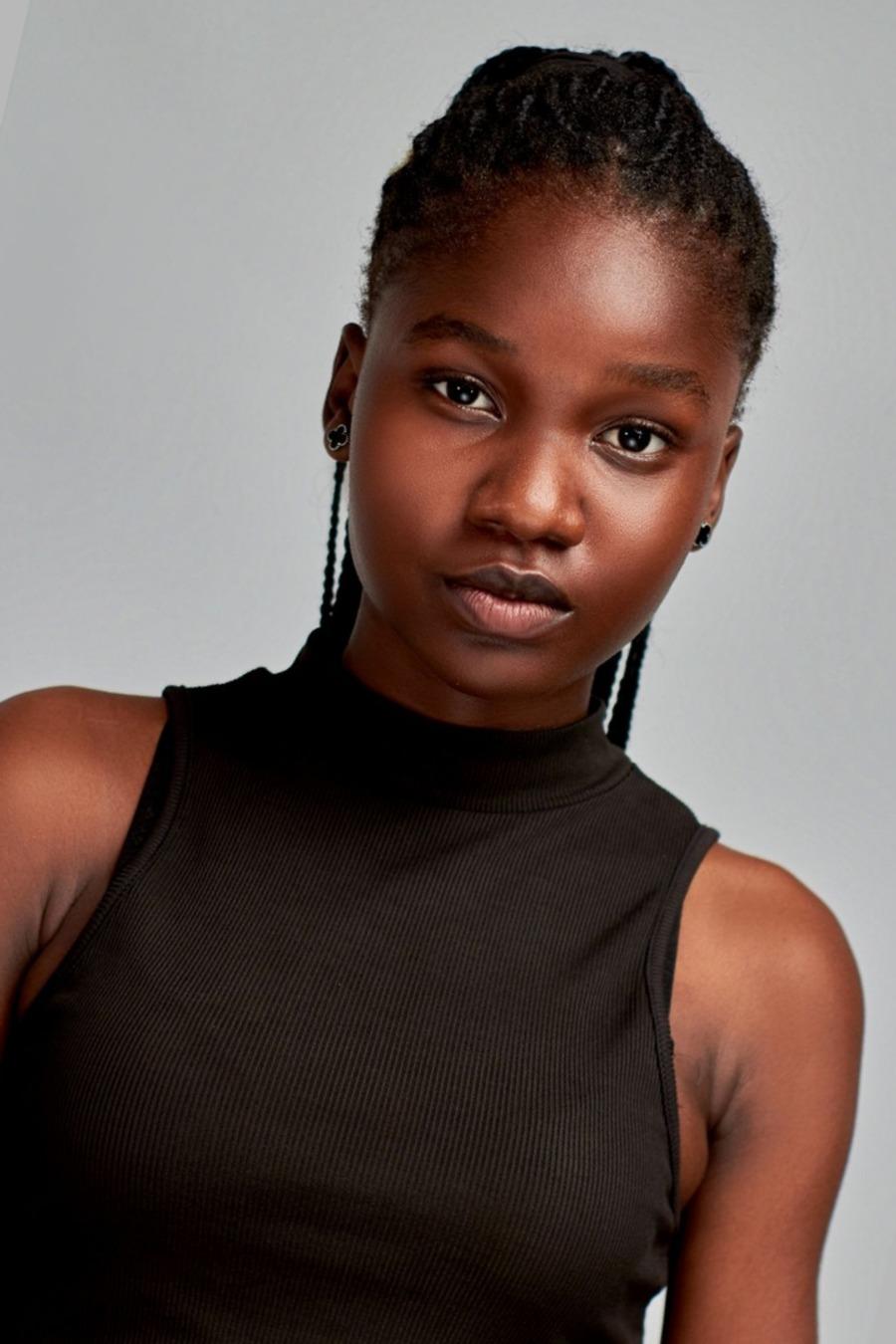
Head size, shape & position
The head is not square to the camera, so the face is not centered and frontal.
Fix: Face the camera straight on, keep the head level, and leave room for a proper crop.
Passport photo examples
Use these examples to spot problems before you upload: pose, expression, glasses, background, lighting, shadows, red-eye, face obstruction, and gaze.
Check my passport photoThe head is not square to the camera, so the face is not centered and frontal.
Fix: Face the camera straight on, keep the head level, and leave room for a proper crop.
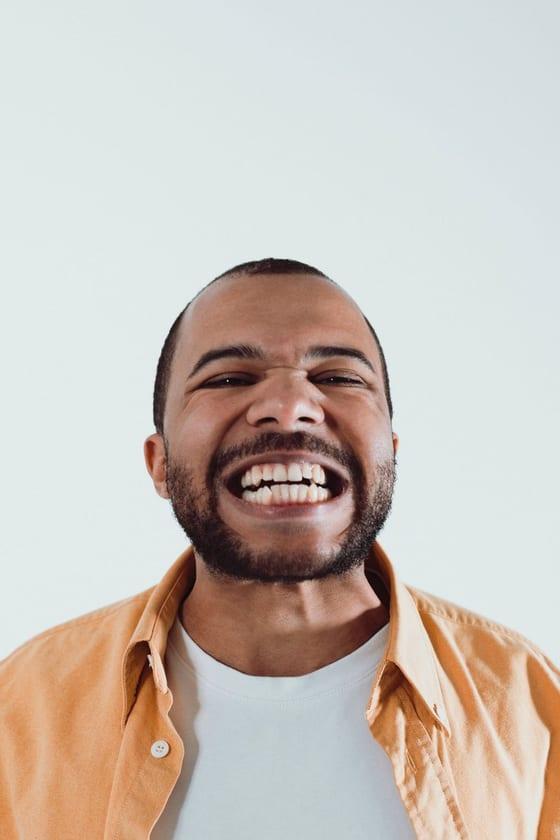
An open mouth, visible teeth, or exaggerated expression can fail the photo check.
Fix: Use a relaxed face with both eyes open and the mouth gently closed.
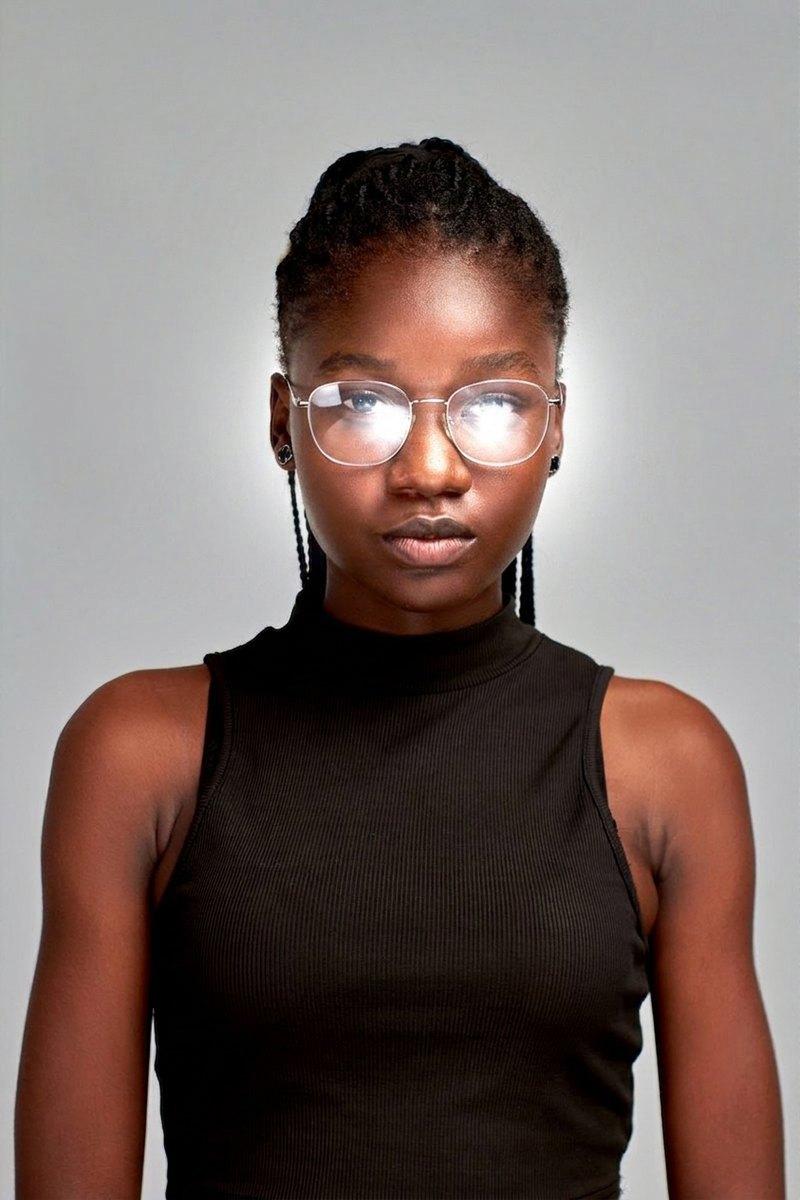
Glasses can hide the eyes, and U.S. passport and visa photos normally require removal.
Fix: Take the photo without glasses unless you have a documented medical exception.
Religious or medical head coverings may be allowed when the full face stays visible, so this category needs careful review.
Fix: Do not treat religious or medical coverings as ordinary hats; make sure the face is clear and follow the application instructions.
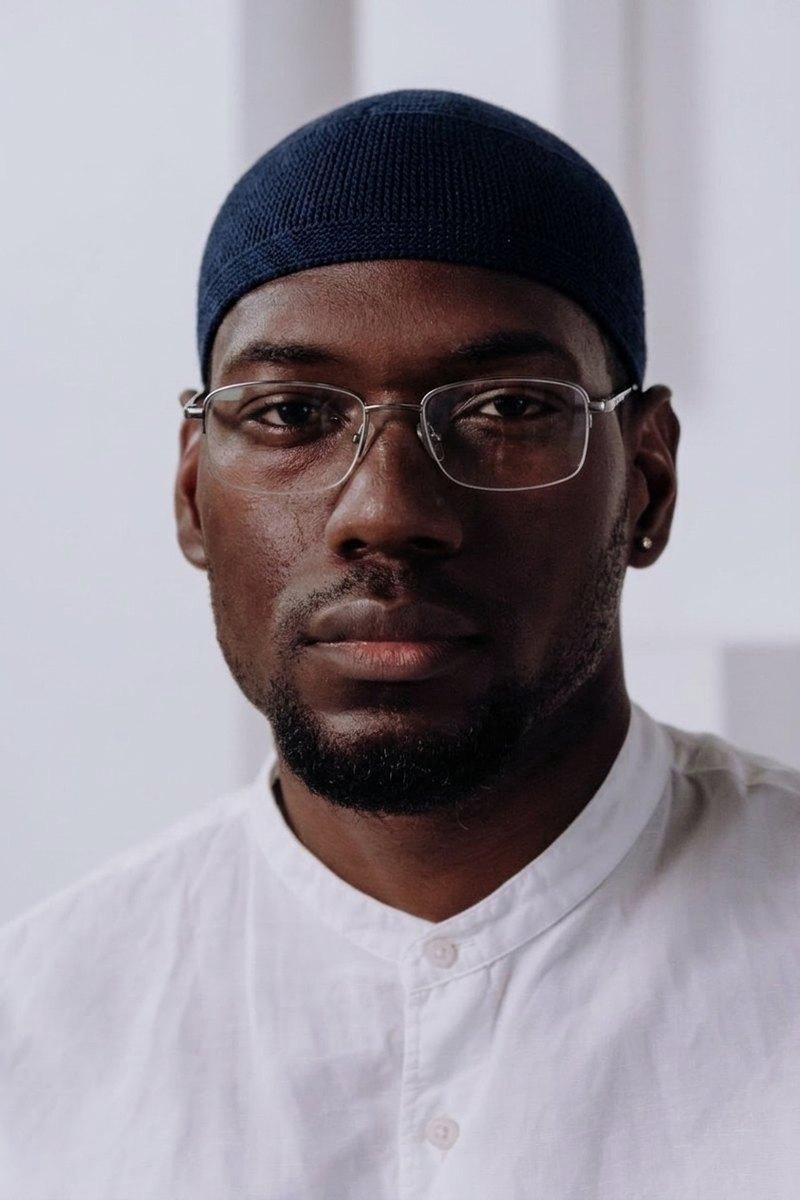
Everyday hats and caps are not allowed in U.S. passport photos.
Fix: Remove caps, uniforms, camouflage, and casual headwear before taking the photo.
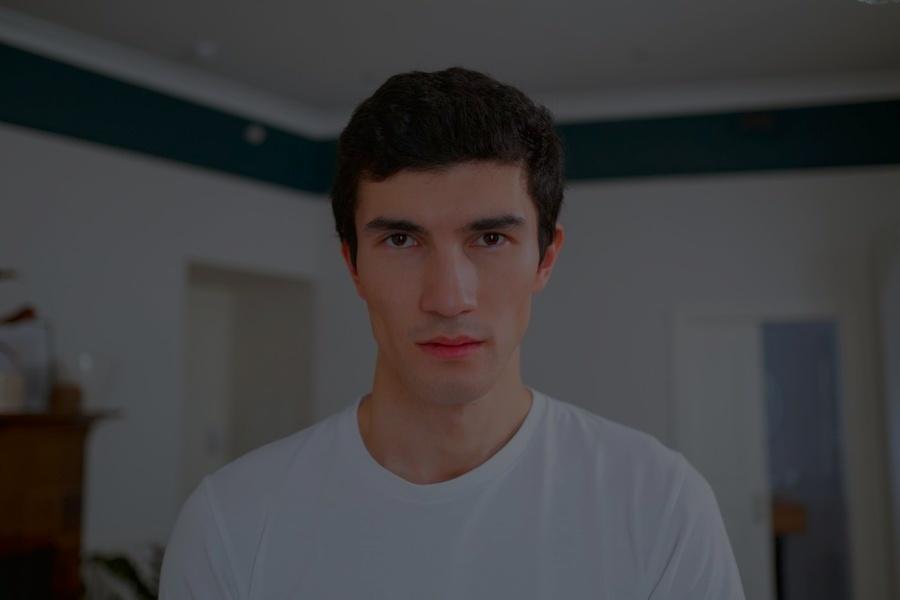
Uneven or dim light can hide facial detail and distort natural skin tone.
Fix: Use soft light from the front and avoid strong side light or backlight.
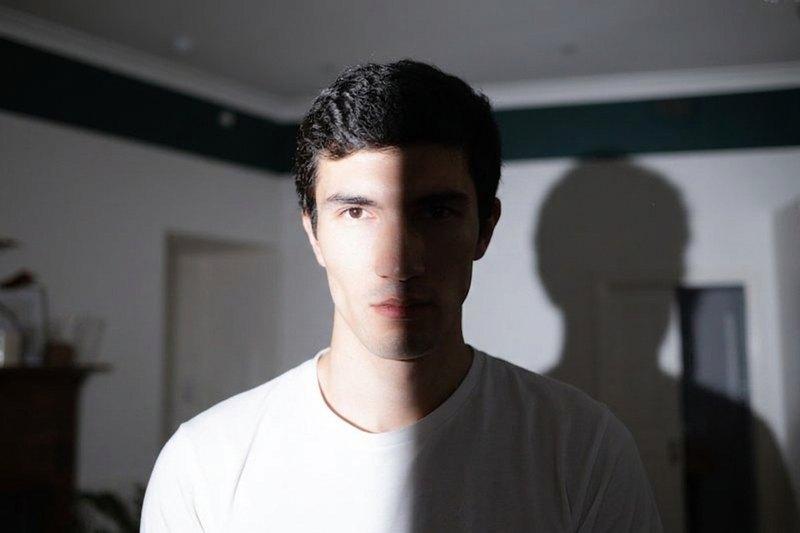
Shadows on the face or background make the photo harder to verify.
Fix: Move away from the wall and use diffused light so the background stays clean.
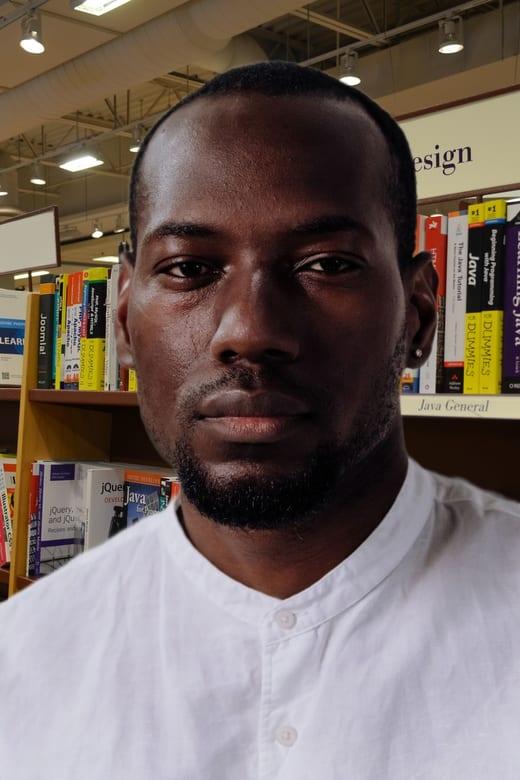
A textured, cluttered, or object-filled background does not meet the plain-background rule.
Fix: Use a plain white or off-white background with no visible objects or texture.
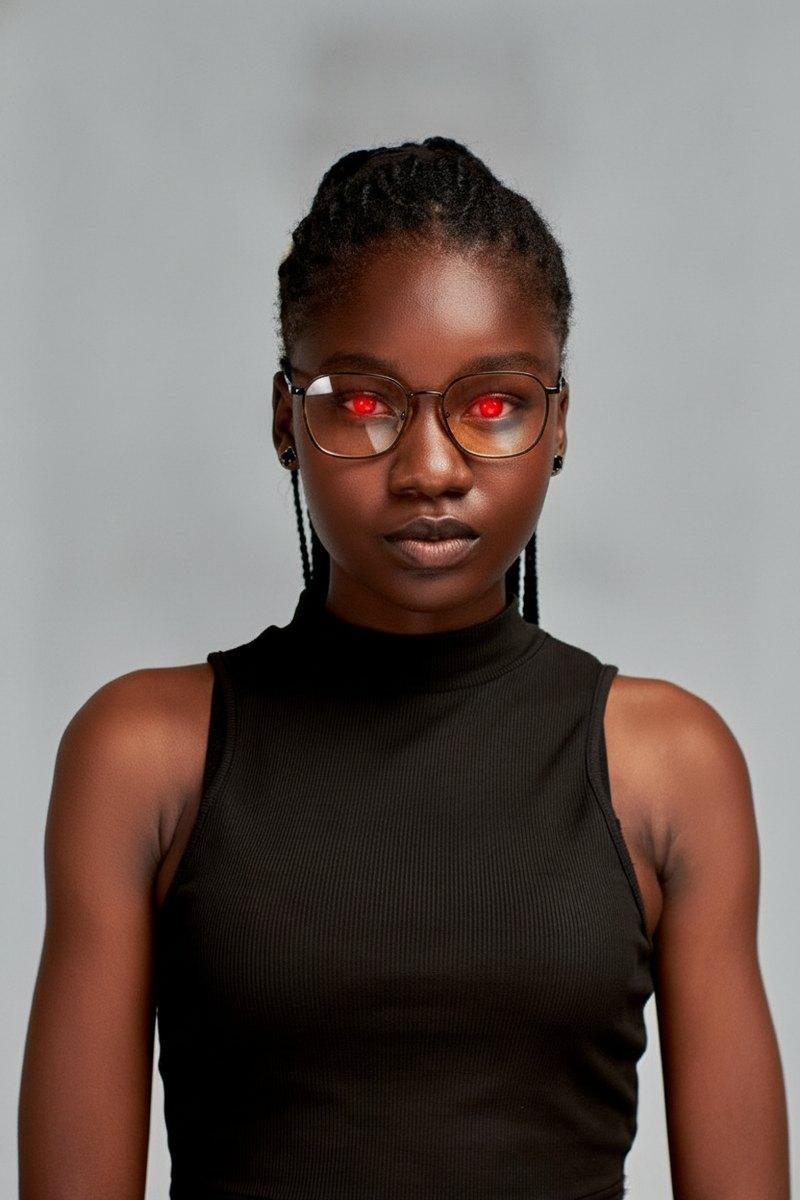
Red-eye changes how the eyes appear and is rejected for U.S. passport photos.
Fix: Use diffused lighting or red-eye reduction while taking the photo, not after editing.
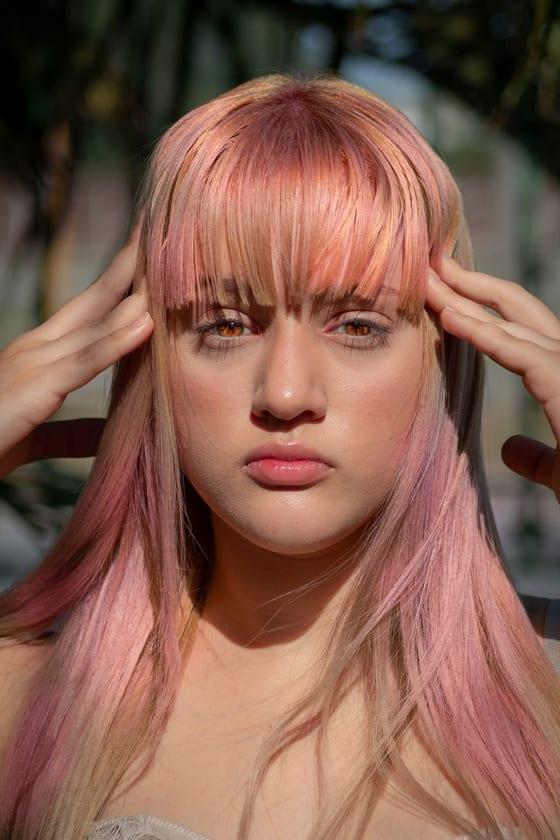
Hair, glasses, or accessories that block the eyes or face can cause rejection.
Fix: Keep both eyes and the full face visible from chin to forehead.
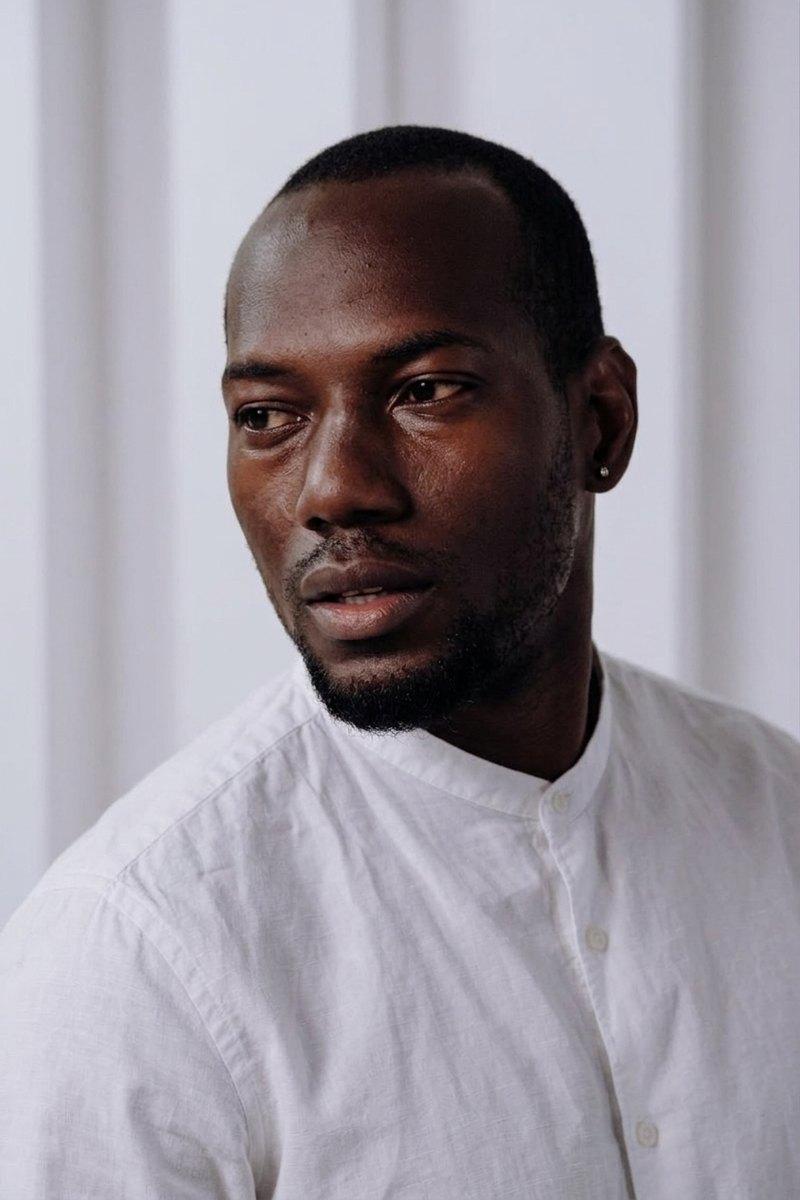
The photo must show a direct full-face view with both eyes toward the camera.
Fix: Look directly into the lens and keep the head level.
Baby photos still need only the child visible, with no hands, car seats, or other people.
Fix: Lay the baby on a plain sheet and crop out every support object or helper hand.